
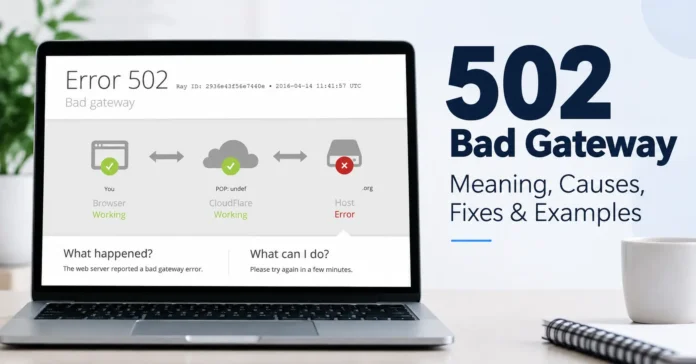
The 502 Bad Gateway meaning is that a server acting as a gateway or proxy received an invalid response from another server it contacted to complete your request. In most cases, the problem is on the website’s server side rather than with your browser or device.
A 502 error can appear because an upstream server is down, overloaded, misconfigured, or unable to communicate properly with a reverse proxy, CDN, or load balancer. For visitors, refreshing the page or trying again later is often enough. Website owners need to identify which part of the server chain failed.
What Does 502 Bad Gateway Mean?
502 Bad Gateway is an HTTP server error. According to the official HTTP Semantics specification, status code 502 means a server acting as a gateway or proxy received an invalid response from another server while trying to fulfill a request.
A normal request might look like this:
Browser → CDN/Reverse Proxy → Origin Server → Application
Your browser sends an HTTP request. A gateway, reverse proxy, CDN, or load balancer forwards that request to an upstream server. The upstream server should process it and return a valid HTTP response.
If the gateway receives an invalid response instead, it may return HTTP 502 Bad Gateway to your browser.
This is why the error can appear even when the gateway itself is online. The failure may be somewhere behind it.
What Causes a 502 Bad Gateway Error?
There isn’t one single cause. A 502 usually points to a communication problem between servers.
1. Upstream Server Is Down
If the origin or application server crashes, restarts, or becomes unavailable, a reverse proxy such as Nginx may be unable to get the response it expects.
2. Server Overload
High traffic can exhaust CPU, RAM, available connections, or application resources. The backend may then fail to respond correctly to requests coming through the gateway.
3. DNS Problems
The Domain Name System (DNS) maps domain names to IP addresses. Incorrect DNS records, outdated IP addresses, or DNS changes can cause a proxy or CDN to connect to the wrong origin server.
4. Firewall or WAF Rules
A firewall or Web Application Firewall (WAF) can block legitimate communication between a proxy and an upstream server. Incorrect IP rules or security settings can therefore contribute to 502 errors.
5. Reverse Proxy Misconfiguration
An incorrect upstream hostname, IP address, port, protocol, or proxy configuration can prevent a reverse proxy from communicating correctly with the backend service.
6. Application or Database Problems
The web server itself isn’t always responsible. An application process may crash, PHP-FPM may fail, a database connection may break, or a required API or backend service may become unavailable.
Is a 502 Bad Gateway My Fault or the Website’s?
Usually, it’s the website’s problem.
MDN classifies 502 as a server error and notes that resolving it generally requires investigation by server owners or administrators. Local networking can occasionally be involved, particularly when a service works for other users but not for you.
You can read the technical definition in MDN’s 502 Bad Gateway documentation.
If many people are seeing the same 502 error, repeatedly changing settings on your own device is unlikely to solve the underlying server problem.
How to Fix 502 Bad Gateway as a Website Visitor
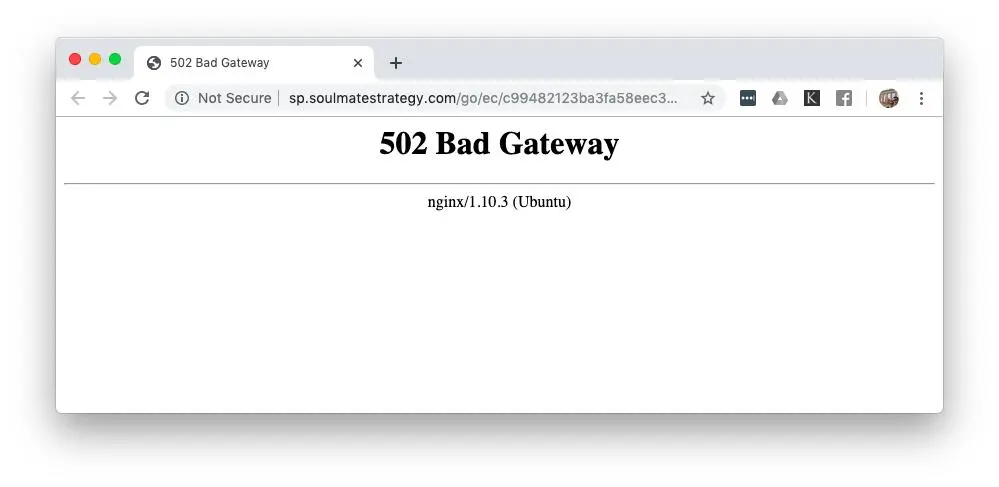
If you’re simply trying to visit a website, start with the easiest checks.
- Reload the page. A temporary server or network problem may disappear within seconds or minutes.
- Wait and try again. If the origin server is overloaded or temporarily unavailable, there may be nothing you need to change.
- Try another browser or device. This helps determine whether the issue is specific to your current setup.
- Check your internet connection. If other websites are also failing, your local network may be involved.
- Check VPN, proxy, or custom DNS settings. If the website works for everyone else, temporarily testing a different normal network configuration can help identify a local networking problem.
Clearing the browser cache can be worth testing, but remember that cached browser data cannot repair a failed upstream server.
How to Fix 502 Bad Gateway as a Website Owner
Website owners should identify where the request chain breaks instead of trying random fixes.
Start by checking whether the origin server and application are running normally. Review CPU, memory, connection limits, and other server resources.
Next, inspect your server logs and application error logs around the exact time the 502 occurred. Look for application crashes, connection failures, unavailable backend processes, or resource limits.
Then check:
- Reverse proxy and upstream configuration
- DNS records and origin IP address
- Firewall and WAF rules
- Application and database health
- CDN and load balancer configuration
- Recent deployments or configuration changes
- Backend APIs and other dependencies
If you’re using Cloudflare, determine whether the error comes from Cloudflare or your origin server. Cloudflare’s official 502/504 troubleshooting documentation recommends checking origin-server availability, excessive server load, crashes, network failures, and applications or services that were blocked or timed out.
502 Bad Gateway in Nginx
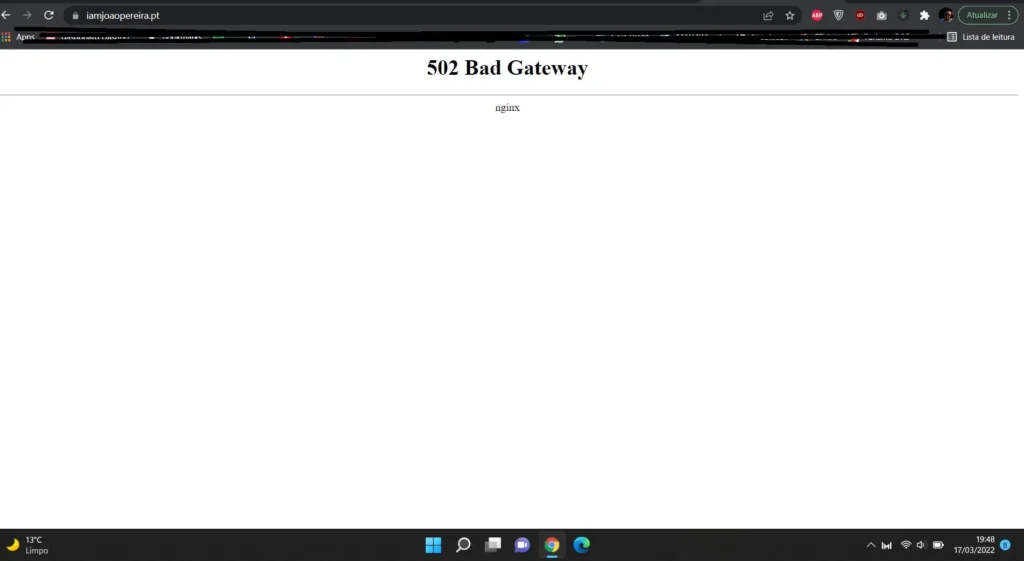
With Nginx, a 502 often means Nginx is working as a reverse proxy but cannot obtain a valid response from its configured upstream service.
Possible causes include a stopped backend application, incorrect upstream port, application crash, permission problem, or connection failure.
Check the Nginx error log and verify that the upstream service is running and listening on the expected address and port.
502 Bad Gateway in Cloudflare
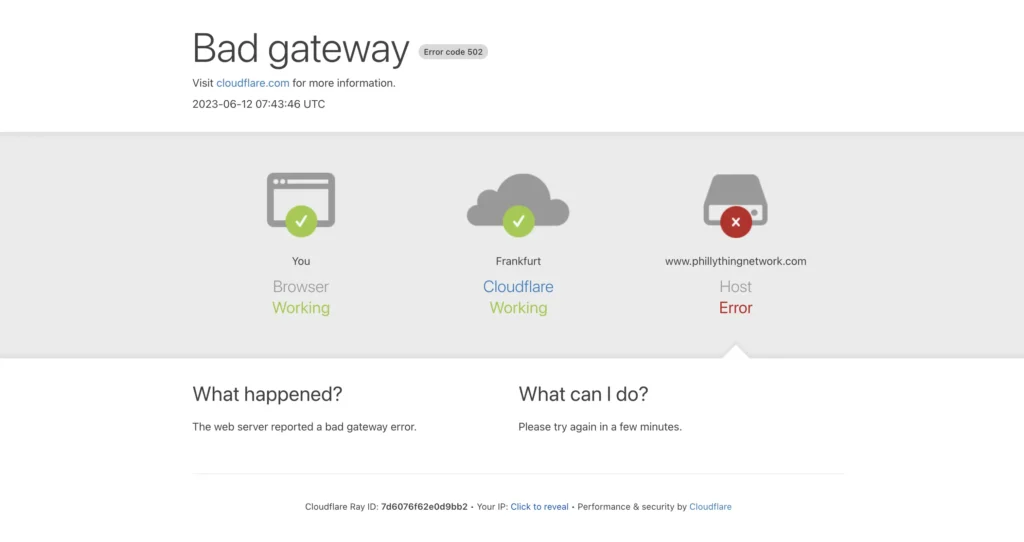
When Cloudflare sits between visitors and an origin web server, a 502 can occur when Cloudflare cannot successfully communicate with the origin or when the origin itself returns a 502.
Check whether the origin server is online and responding correctly. Server load, crashes, networking problems, blocked services, and configuration issues should be investigated before assuming the visitor’s browser is responsible.
502 Bad Gateway in WordPress
On WordPress, a 502 can be related to the hosting server, PHP processing, database connectivity, a CDN, reverse proxy configuration, or resource limits.
If the problem appeared immediately after a change, review recent plugin, theme, PHP, CDN, or server-configuration changes. Server and PHP error logs are more useful than repeatedly refreshing the WordPress dashboard.
502 vs. 500 vs. 503 vs. 504
These are all 5xx server errors, but they describe different failures.
| Error | What it generally means |
| 500 Internal Server Error | The server encountered an unexpected internal problem |
| 502 Bad Gateway | A gateway/proxy received an invalid upstream response |
| 503 Service Unavailable | The server is temporarily unable to handle the request |
| 504 Gateway Timeout | A gateway/proxy didn’t receive an upstream response in time |
The difference between 502 and 504 is especially important. A 502 concerns an invalid upstream response, while a 504 means the gateway did not receive the needed response within the allowed time.
How Can Website Owners Prevent 502 Errors?
You can’t prevent every server failure, but good infrastructure reduces their frequency.
Monitor server CPU and memory, use health checks, keep application and server logs, configure reverse proxies correctly, monitor backend dependencies, and test deployments before sending them to production. Sites with variable traffic may also benefit from appropriate load balancing and scaling.
The goal is to detect a failing origin server or backend service before visitors start receiving 502 responses.
Frequently Asked Questions
Is a 502 Bad Gateway temporary?
Often, yes. Temporary server overload, restarts, networking problems, or backend failures can disappear once the affected service recovers.
Is 502 Bad Gateway a server error?
Yes. HTTP 502 belongs to the 5xx server error category.
Is a 502 error dangerous?
The error itself does not mean your device has been hacked or infected. It indicates a problem while a gateway or proxy was communicating with another server.
Can DNS cause a 502 Bad Gateway?
Yes. Incorrect or outdated DNS information can prevent a gateway or CDN from reaching the correct origin server.
What’s the difference between 502 and 504?
A 502 Bad Gateway means the gateway received an invalid upstream response. A 504 Gateway Timeout means it did not receive the required upstream response in time.
How long does a 502 Bad Gateway last?
There is no fixed duration. A temporary overload may clear quickly, while a broken application, DNS record, firewall rule, or server configuration can continue causing errors until the website owner fixes it.