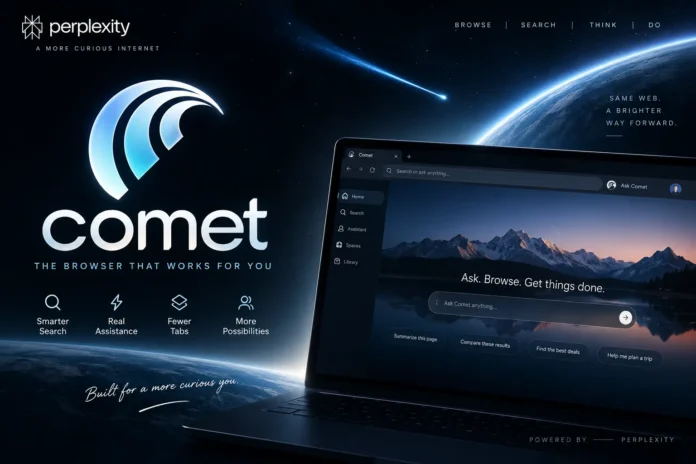
Web browsers have worked in roughly the same way for years: open a tab, type a search, visit a few websites, and piece together the information yourself. The Comet AI browser takes a different approach.
Developed by Perplexity, Comet combines a Chromium-based browser with built-in search and an assistant that can understand the page you’re viewing, summarize information, work across tabs, and perform certain browser actions on your behalf.
That makes Comet more than another place to open websites. Its bigger idea is to reduce the amount of switching, searching, copying, and tab management involved in everyday browsing.
But that also raises practical questions. What can Comet actually do? Is it free? How does it compare with Google Chrome? And what happens to your data when an AI assistant can interact with your browser?
Here’s what you need to know about the Comet AI browser in 2026.
What Is the Comet AI Browser?
Comet is an AI-powered web browser from Perplexity built on Chromium, the open-source browser project that also forms the foundation of Google Chrome and several other browsers.
Using Chromium gives Comet a familiar starting point. It has conventional browser features such as bookmarks, profiles, page translation, passwords, browsing history, and support for most extensions available through the Chrome Web Store.
The major difference is what happens around the webpage.
Perplexity Search is integrated into the browser, while Comet Assistant runs alongside the main browsing window. Instead of opening a separate AI tool and pasting content into it, you can ask questions about the page already in front of you.
For example, Assistant can work with visible text and page metadata to summarize a long article, identify important information, extract dates or action items, translate content, or answer questions about the current tab. It can also reference another tab when you explicitly include it as context.
That combination is why Comet is better described as an AI browser rather than simply a traditional browser with a chatbot added to it.
How Does Comet Browser Work?
At the basic level, Comet still behaves like a normal browser. You can enter a URL, visit a website, open several tabs, save bookmarks, install extensions, and search the web.
The difference becomes clearer when you start giving the browser instructions.
Comet uses Perplexity as its default search engine, bringing its answer-based search experience directly into the address bar. Users can change the default search provider, although Perplexity says doing so limits some of Comet’s AI and context-aware address-bar features.
The Assistant adds another layer.
It can use context from a page or selected tabs to answer questions and carry out supported tasks. That means a research session doesn’t necessarily require reading every open page from beginning to end. You could instead ask for the main differences between information in several tabs or request a summary of the page you’re currently reading.
Comet can go beyond reading, too. Its agent-style features can click, navigate, type, and interact with websites when permission is granted. This turns natural-language instructions into browser actions rather than limiting the assistant to text responses.
Comet AI Browser: Key Facts
| Fact | Current information |
| Developer | Perplexity |
| Browser engine | Chromium-based |
| Default search | Perplexity |
| Built-in assistant | Comet Assistant |
| Desktop support | Windows 10/11 and macOS 13 or later |
| Chrome extensions | Most are supported |
| Minimum RAM | 4 GB |
| Recommended RAM | 8 GB |
| Minimum free disk space | 2 GB |
| Account required for basic browsing | No |
| Assistant context retention | Certain Assistant-related context may be retained for up to 30 days |
| Built-in protection | Ad/script blocking, fingerprinting protection and malicious-site warnings |
Perplexity’s current system requirements recommend 8 GB of RAM and 5–6 GB of available storage for smoother long-term use, although the stated minimums are lower. Its August 2026 documentation says Linux, ChromeOS, iOS and Android are not currently officially supported.
What Can You Do With Comet AI Browser?
The interesting part of Comet isn’t one individual feature. It’s how several browser and assistant functions work together.
Ask Questions About the Page You’re Viewing
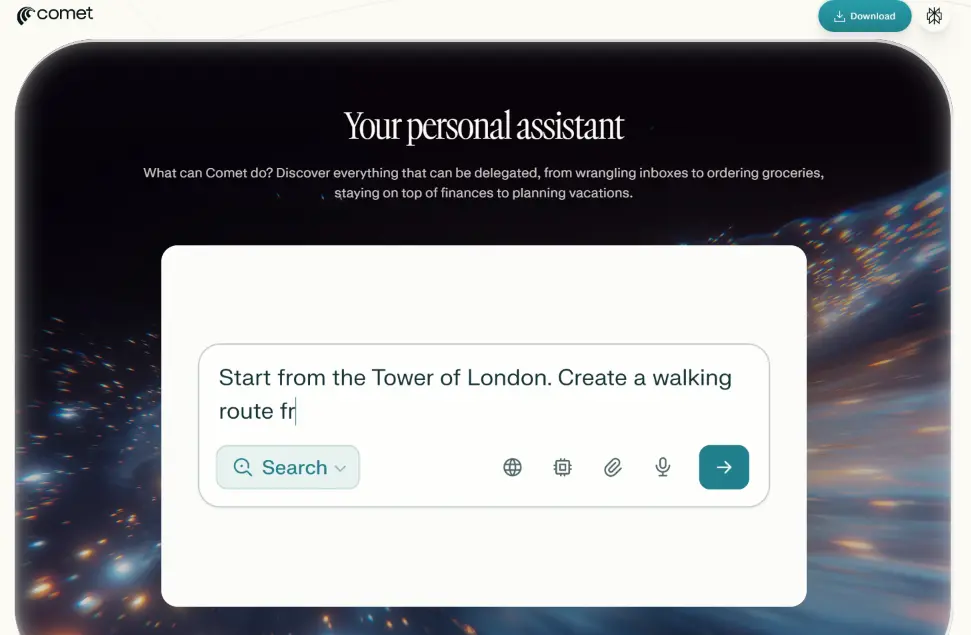
Comet Assistant sits beside the browser window, so you can ask about a webpage without repeatedly moving information into another app.
On a long report, for example, you might ask for the main findings. On an event page, you could extract dates and locations. When researching a topic across several sources, you can reference relevant tabs and ask Assistant to compare or summarize them.
This is particularly useful when the problem isn’t finding a webpage but finding the useful information inside it.
Summarize Long Pages and Research
Comet includes contextual Ask and Summarize functions designed to make lengthy content easier to process.
That can be useful for research papers, documentation, news coverage, guides, and other pages where you need the central points before deciding whether the full page deserves a careful read.
A summary shouldn’t automatically replace the original source, particularly when accuracy or nuance matters. But as a first pass through a large amount of material, the feature can reduce repetitive reading.
Perform Browser Actions
Comet’s more unusual capability is its ability to act inside the browser.
According to Perplexity, supported workflows can include navigating websites, interacting with forms, organizing information, working across several tabs, and carrying out multi-step tasks under user supervision.
This is where the difference between an AI search engine and an agentic browser becomes important. Search finds information; an agent can potentially use that information as part of the next action.
For sensitive or consequential tasks, however, users should still review what the browser is doing before approving an action.
Create Reusable Shortcuts
Comet also supports custom query shortcuts for repetitive workflows.
A shortcut can store a longer set of instructions behind a short command. Instead of rewriting the same research or organization prompt every time, you can trigger the saved workflow and add any situation-specific details before submitting it. Multiple shortcuts can also be combined.
It’s a small feature, but potentially useful for people who repeat the same browser-based tasks every day.
Use Chrome Extensions

Switching browsers can be difficult if your workflow depends on extensions. Comet avoids much of that problem because it is built on Chromium.
Most extensions from the Chrome Web Store can be installed in Comet. Perplexity notes that some extensions relying on Chrome-specific integrations, or those trying to modify the default start page, may not work exactly as expected.
That compatibility makes moving from Chrome considerably easier than starting again with an entirely unfamiliar browser ecosystem.
Is Comet Browser Free?
You don’t need a Perplexity account simply to install Comet, browse the web, and try basic functionality. Signing in adds capabilities such as saved history, synchronization, and access tied to your Perplexity plan.
The important distinction is between the browser itself and the advanced AI services available inside it.
Perplexity currently offers Standard (Free), Pro, Max, Education Pro, Enterprise Pro, and Enterprise Max plans. As of September 2026, its plan comparison lists Browser Agent/Comet Assistant queries as unavailable on the free Standard tier, while paid plans receive different usage limits.
So describing Comet simply as a “$200 browser” is misleading in 2026. Comet can function as a browser without buying a $200 subscription, while the amount and type of advanced AI functionality available depend on your account and plan.
Comet Browser vs Google Chrome
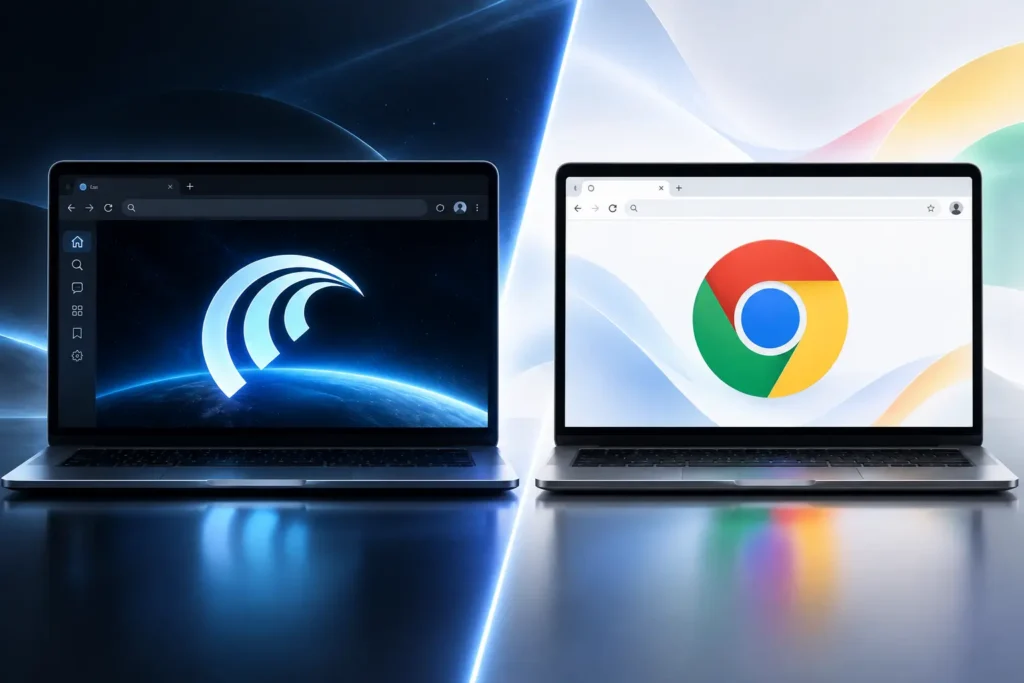
Because both browsers use Chromium, the choice isn’t really about whether they can display the modern web. The bigger difference is how they expect you to interact with it.
| Feature | Comet | Google Chrome |
| Chromium-based | Yes | Yes |
| Built-in contextual assistant | Core part of the experience | Different AI integrations/features |
| Perplexity Search by default | Yes | No |
| AI browser actions | Core Comet focus | Different implementation |
| Chrome Web Store extensions | Most supported | Native support |
| Page/tab summarization | Built into Comet workflow | Depends on available Chrome features |
| Built-in ad/script blocking | Yes | Not equivalent by default |
| Familiar conventional browsing | Yes | Yes |
Chrome remains the more established choice for people deeply invested in Google’s browser ecosystem.
Comet becomes more interesting when your day involves research, summarization, many open tabs, repeated web tasks, and frequent interaction with an AI assistant.
In other words, Comet’s advantage isn’t that Chromium suddenly loads websites differently. It’s the AI layer built around browsing.
Is Comet AI Browser Safe?
There are two separate issues here: normal browser security and the newer risks created by AI agents.
For everyday browsing, Comet includes several familiar protections. Perplexity says it blocks advertising scripts, fingerprinting attempts, and unwanted third-party scripts. It also provides site-permission controls and warnings for known malicious websites, dangerous downloads, phishing attempts, and malware-hosting domains.
Privacy becomes more complicated when Assistant is involved.
By default, Perplexity says Comet Assistant does not upload your full browsing history, complete list of open tabs, cookies, passwords, autofill information, local files, or text typed into websites unless that information is explicitly supplied as part of a request.
When a task requires page content, selected history information, or explicitly referenced tabs, the necessary context may be sent to Perplexity. Some Assistant-related context can be stored for up to 30 days before automatic deletion. Users can disable Assistant or block its access on particular websites.
There is another risk worth understanding: prompt injection.
Security researchers have demonstrated prompt-injection vulnerabilities affecting agentic browsers, including Comet. These attacks attempt to place malicious instructions inside content that an AI agent reads, potentially causing it to behave differently from what the user intended. Brave’s security researchers have described indirect prompt injection as a broader challenge for the AI-browser category rather than a problem unique to one product.
That doesn’t mean Comet is automatically unsafe. It does mean giving an AI browser permission to act requires more caution than simply asking it to summarize an article.
For banking, payments, account changes, private communications, or other sensitive activity, review permissions and actions carefully instead of treating automation as something that should always run unattended.
Pros and Cons of Comet Browser
The strongest reasons to use Comet are convenience and context. Search, summarization, tab-aware assistance, browser actions, and conventional browsing exist in one place. Chromium compatibility also means most users won’t have to abandon their familiar extensions.
There are trade-offs. Advanced Assistant usage can depend on a paid Perplexity plan, AI-generated answers still need verification when accuracy matters, and agentic browsing introduces security questions that don’t exist in exactly the same form with a conventional browser. Official platform support is also currently limited compared with browsers that cover more desktop and mobile operating systems.
Who Should Use Comet?
Comet makes the most sense for people whose browser is already their main workspace.
Researchers can use it to work through large collections of sources. Students can summarize material before reading important sections more closely. Writers and analysts can extract information across tabs. Knowledge workers may find browser actions and reusable shortcuts helpful for repetitive web workflows.
It is less compelling if you mainly use a browser to visit a few familiar sites and rarely need an AI assistant. In that case, a conventional browser may remain simpler.
The key question isn’t whether Comet can replace Chrome for everyone. It’s whether having search, contextual assistance, and browser actions in the same interface removes enough friction from your workflow to justify switching.
Is Comet AI Browser Worth Using in 2026?
Comet is one of the clearer examples of how browsers are moving from passive windows onto the web toward software that can help interpret and act on what is inside those windows.
Its Chromium foundation keeps the conventional browsing experience familiar, while Perplexity Search, Comet Assistant, contextual page analysis, shortcuts, and browser actions add capabilities that traditional browsing workflows often require separate tools to handle.
The strongest case for trying Comet is productivity: fewer jumps between search, webpages, AI tools, and open tabs.
The biggest reason to remain cautious is also its defining feature. An assistant capable of understanding pages and performing actions requires access and permissions that deserve careful management.
For users comfortable with that trade-off, Comet offers a genuinely different way to browse rather than simply another visual redesign of Chrome.
Frequently Asked Questions
Who owns the Comet AI browser?
Comet is developed by Perplexity, the company behind Perplexity’s AI-powered search and answer engine.
Is Comet based on Chromium?
Yes. Comet is Chromium-based, which gives it familiar browser functionality and compatibility with most Chrome Web Store extensions.
Can I use Comet without a Perplexity account?
Yes. Basic browsing and some functionality can be used without signing in. A Perplexity account unlocks additional AI capabilities, saved history, preferences, and synchronization.
Does Comet support Chrome extensions?
Yes. Most Chrome Web Store extensions work with Comet, although extensions that depend on Chrome-specific integrations may have limitations.
Is Comet available for Windows and Mac?
Yes. As of August 2026, Perplexity officially supports Windows 10/11 and macOS 13 or later. Its current documentation does not list Linux, ChromeOS, iOS, or Android as officially supported platforms.
Is Comet better than Chrome?
Not for everyone. Chrome offers a mature mainstream browser ecosystem, while Comet is more focused on integrated AI search, contextual assistance, and browser automation. The better option depends on how heavily you want AI involved in your browsing workflow.